
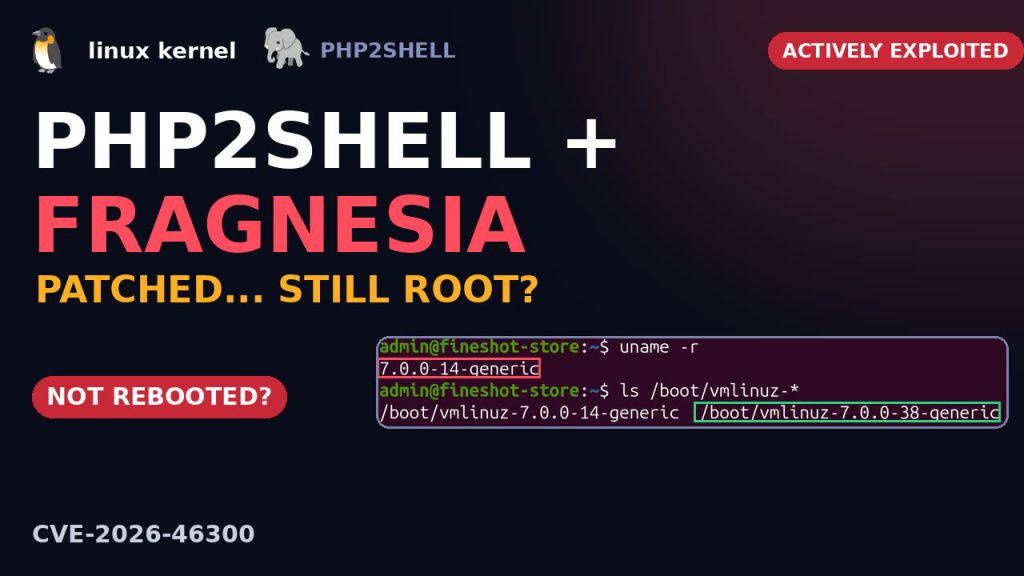
Your Linux server can be fully patched and still get hacked. Attackers are chaining two bugs: PHP2Shell gets them into your PHP website, and Fragnesia (CVE-2026-46300), a Linux kernel bug, turns that into full root access. CISA added Fragnesia to its actively exploited list on 28 October 2026.
Watch the video
What Fragnesia is, how to check your own server, and the one step almost everyone skips:
How a website becomes root
- Step 1: the attacker hits your PHP website with PHP2Shell. No login needed.
- Now they’re on the machine as
www-data, a weak user that can’t do much on its own. - Step 2: Fragnesia, a Linux kernel bug, turns that weak user into root.
What is Fragnesia? (no kernel coding needed)
Network data arrives in small pieces called fragments, and Linux glues them together to save time. Some pieces carry a label: shared, don’t write here, because they point to files cached in memory. While gluing, the kernel forgets that label. Fragment plus amnesia: Fragnesia.
Later, the encryption code writes right over that memory. An attacker can use this to change a trusted file and become root. They need to be on the machine first, and that’s exactly what PHP2Shell gives them.
The weird part: the fix came out in May
The kernel fix was released five months ago. So why are servers still getting hit? We built a test server to find out: Ubuntu 26.04 with Apache, PHP and a small store.
uname -r shows the kernel that’s running: 7.0.0-14, vulnerable. But ls /boot shows what’s installed, and 7.0.0-38, the fixed one, is right there.
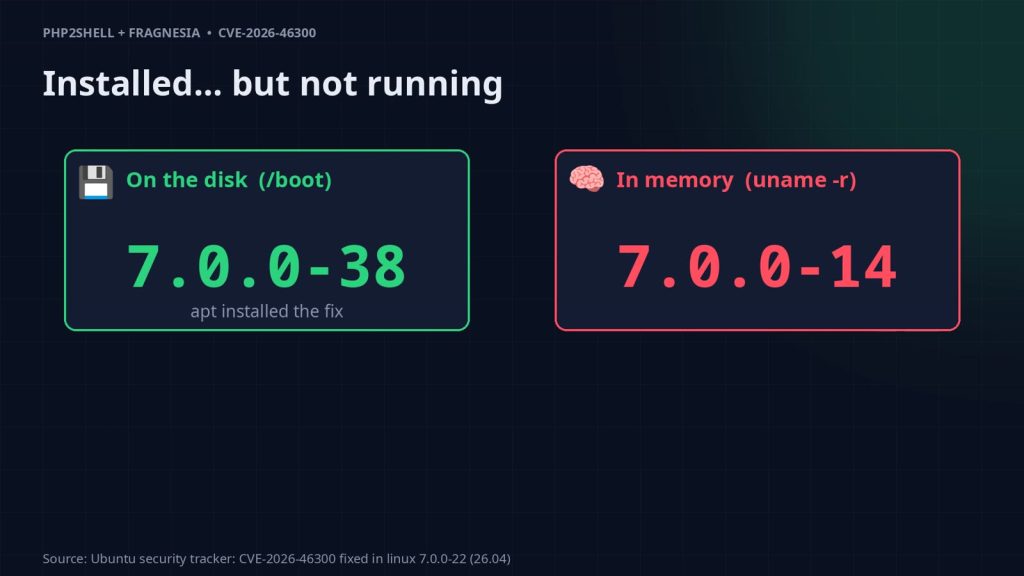
This is the trap. apt put the new kernel on the disk, but the kernel in memory is still the old one until you reboot, and a lot of servers never get rebooted.
Is your PHP patched?
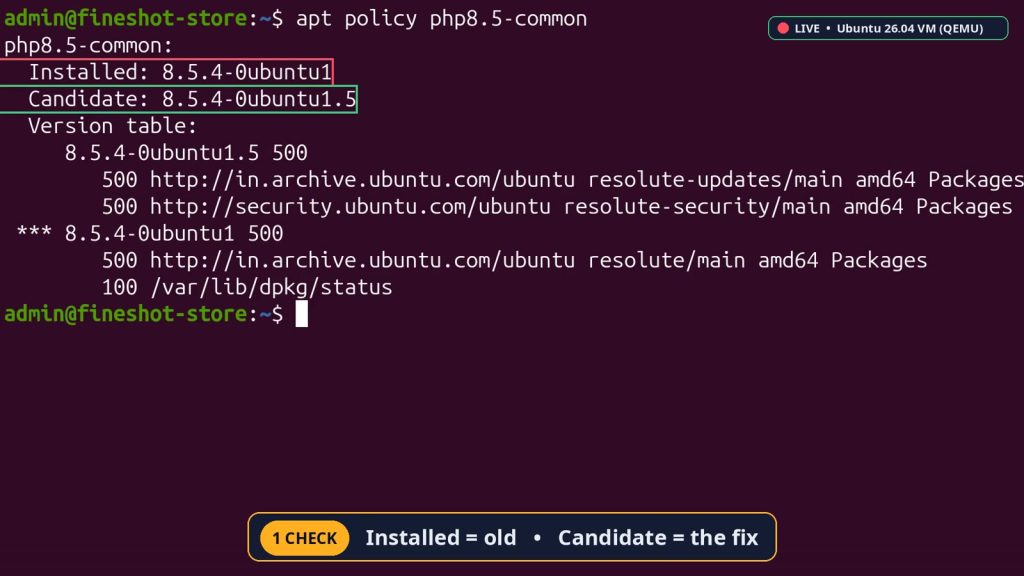
apt policy tells you two things. Installed is what you have, and Candidate is the fixed version. If they don’t match, this store is open to PHP2Shell.
Were you already hacked?
Webshells usually hide as PHP files, and a hijacked www-data often runs a shell. Two quick checks:
# PHP files changed in the last 14 days. Didn't change them yourself? Look inside.
find /var/www -name '*.php' -mtime -14

# Should only show apache or php-fpm, never sh or bash
ps -u www-data -o pid,cmd
On our test server, the only PHP file was our own index page, and www-data was only running Apache. Clean, this time.
Check your server
uname -r                  # the kernel that is RUNNING
ls /boot/vmlinuz-*        # the kernels that are INSTALLED (newer than uname -r? reboot needed)
apt policy php8.3-common # Installed vs Candidate (22.04: php8.1-common, 26.04: php8.5-common)| Ubuntu | Fixed kernel (uname -r this or newer) | Fixed PHP |
|---|---|---|
| 22.04 | 5.15.0-181 | 8.1.2-1ubuntu2.28 |
| 24.04 | 6.8.0-124 | 8.3.6-0ubuntu0.24.04.13 |
| 26.04 | 7.0.0-22 | 8.5.4-0ubuntu1.5 |
| 26.10 | Not affected | n/a |
HWE, cloud and OEM kernels have their own version numbers. Check the Ubuntu CVE page for yours.
The 5-minute fix
sudo apt update && sudo apt full-upgrade -y
sudo reboot
# on a desktop, if the reboot is blocked: sudo systemctl reboot -i
uname -r    # check again after the reboot
After the reboot, our test server runs 7.0.0-42, the newest kernel in /boot, and PHP’s Installed and Candidate versions match.
Then we ran the same checks on our own laptop, and it was vulnerable. Run them on yours too.
Everything shown here was done on a throwaway test virtual machine (QEMU) built for the video, not on a production server. Read and understand each command, try it on a test system first, and back up before changing a real server.
Summary
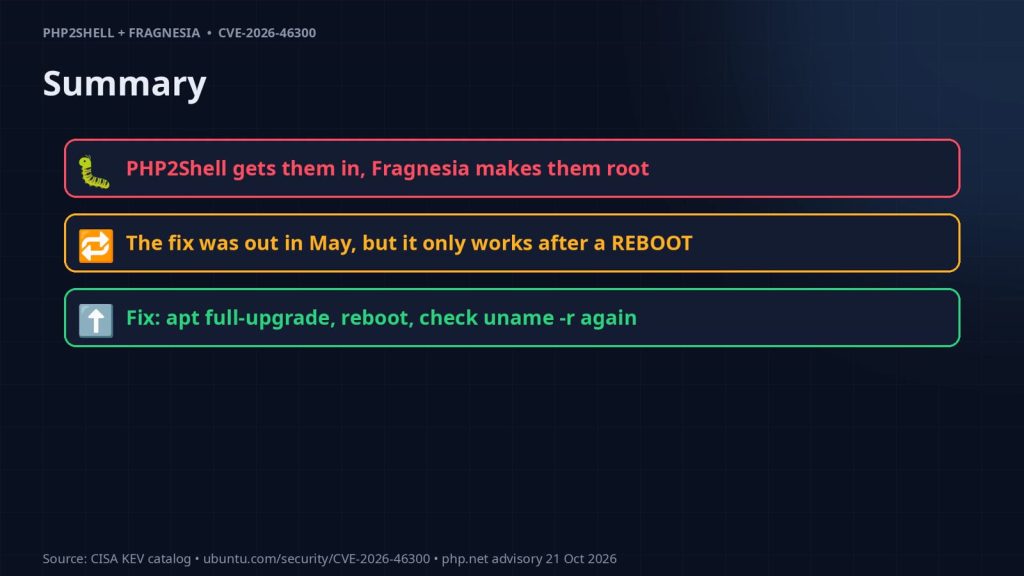
- PHP2Shell gets attackers in, and Fragnesia makes them root.
- The kernel fix has been out since May, but it only works after a reboot.
- Fix:
apt full-upgrade, reboot, then checkuname -ragain.
Sources: CISA KEV catalog · Ubuntu CVE-2026-46300 · NVD
More on YouTube
Prefer watching? The full PHP2Shell + Fragnesia walkthrough is on our YouTube channel: watch the video. For more hands-on breakdowns of security bugs, Linux servers and dev tools, subscribe at youtube.com/@fineshotai.