
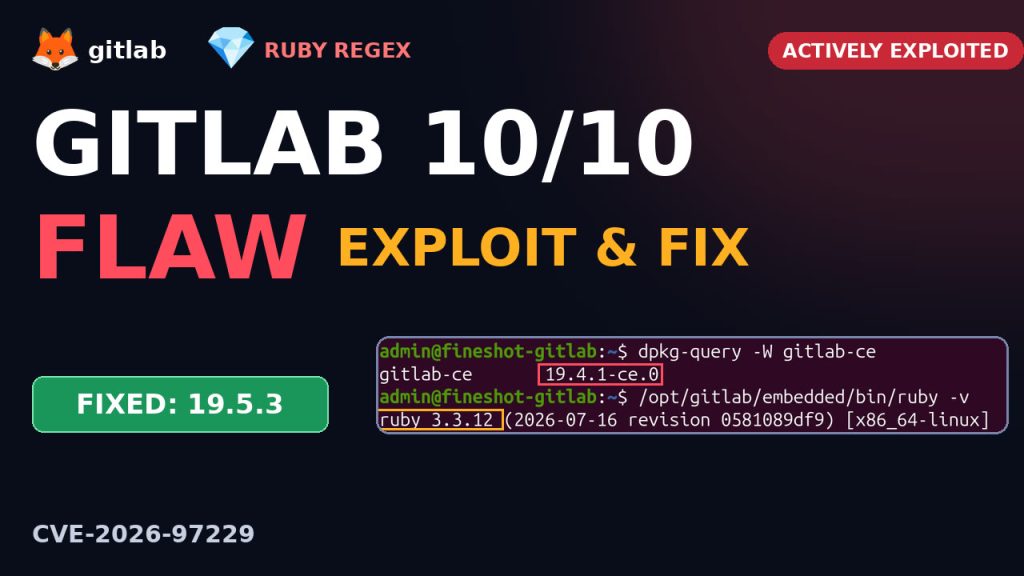
Your self-hosted GitLab can be taken over with one line of text. CVE-2026-97229, which we call GitLab2Shell, is rated CVSS 10.0. GitLab says it can let an unauthenticated user run code on the server through a specially crafted regular expression in a CI/CD config. CISA added it to its actively exploited list on 29 October 2026.
Watch the video
How it works, how to check your server, and why updating GitLab might not be enough:
What is it?
Your .gitlab-ci.yml can contain regex rules, and GitLab reads and checks them on the server. They’re compiled by Onigmo, Ruby’s regex engine, the same engine almost every Ruby app uses. A crafted pattern overflows a size counter while Ruby compiles it, and memory gets corrupted. From there the attacker’s code can run on your GitLab server, with access to your code, your secrets and your CI tokens.
- Affected: GitLab CE/EE 19.2 before 19.2.8, 19.3 before 19.3.5, 19.4 before 19.4.2.
- Fixed: 19.4.2 / 19.3.5 / 19.2.8, released 12 October. A related bug with the same root cause (CVE-2026-110264) was only fixed in 19.5.1, so upgrade to the latest.
- GitLab.com and GitLab Dedicated are already patched. Only self-managed servers are at risk.
- No workaround. Ruby’s
Regexp.timeoutdoesn’t help, and limiting pattern length isn’t reliable. You have to upgrade.
This is not theory: Alpine Linux
The fix came out on 12 October. The next day, Alpine Linux updated its GitLab to 19.3.4, one version short. On 20 and 21 October someone attacked their GitLab: it crashed eight times, and four attempts got further. On the 22nd Alpine updated again, to 19.3.6, and was still vulnerable.
Why? Alpine’s GitLab ran on a separately installed system Ruby, not the Ruby that GitLab bundles. Updating GitLab never fixed Ruby. Alpine couldn’t prove the attack failed, so it rebuilt the whole server and reset every password. Its package-signing keys were never on that server.
Check your GitLab
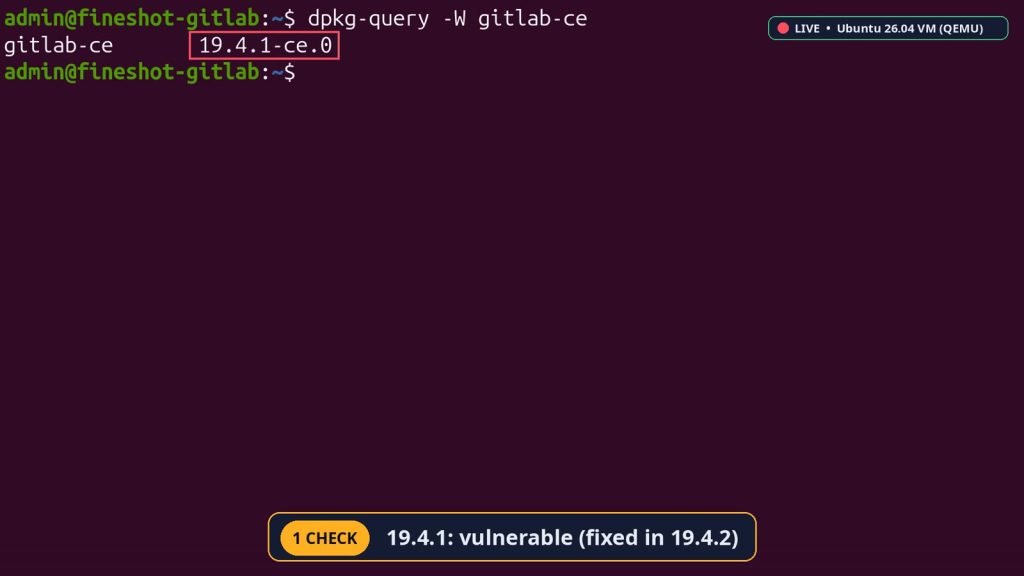
On our test GitLab (Ubuntu 26.04), dpkg-query shows 19.4.1, and the fix is 19.4.2, so it’s vulnerable. The Ruby inside GitLab reports 3.3.12. Remember that number.
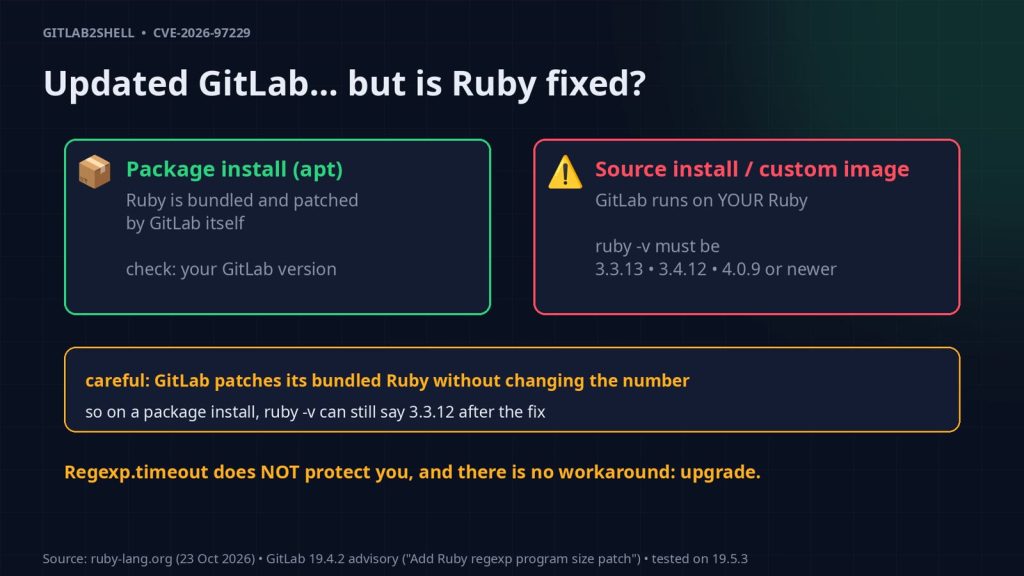
Updated GitLab, but is Ruby fixed?
- Package install (apt, Omnibus): Ruby is bundled, and GitLab patches it for you. Trust the GitLab version.
- Source install or custom image: GitLab runs on your Ruby. Upgrade it yourself to 3.3.13, 3.4.12, 4.0.9 or newer.
- Careful: GitLab patches its bundled Ruby without changing the number, so
ruby -vcan still say 3.3.12 after the fix.
Was it already attacked?
# A failed attack can crash GitLab, and Ruby writes a [BUG] line
sudo grep -r '\[BUG\]' /var/log/gitlab/puma/ || echo 'no crashes'

# Attackers like a fresh new account
sudo gitlab-psql -c 'select username, created_at from users order by 2 desc limit 5;'
On our test server: no crash traces, and only the root account from the install. If you see a name you don’t recognise from late October, look closer.
The fix
Check your version, upgrade to the latest, then verify. On a real server, do this first:
- Back up:
sudo gitlab-backup create, and copy/etc/gitlab(gitlab.rbandgitlab-secrets.jsonare not in the backup). - Check GitLab’s upgrade path. Big version jumps can need required stops.
- Read the release notes, try it on staging, and plan a few minutes of downtime.
sudo apt update && sudo apt install -y gitlab-ce
dpkg-query -W gitlab-ce
/opt/gitlab/embedded/bin/ruby -v
sudo gitlab-ctl status
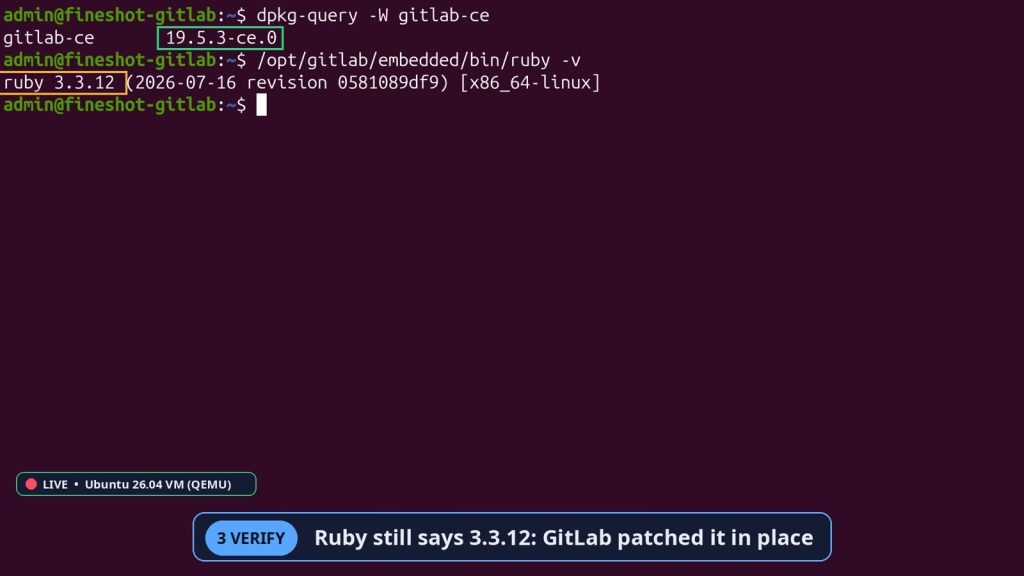
Our test VM upgraded to 19.5.3. Ruby still says 3.3.12, which is expected: GitLab patched it in place. Every service came back up.
Everything shown here was done on a throwaway test virtual machine (QEMU) built for the video, not on a production server. Read and understand each command, try it on a test system first, and back up before changing a real server.
Summary
- One crafted regex can take over a self-hosted GitLab: CVSS 10, no login, actively exploited.
- Upgrade to the latest (19.5.1 or newer also fixes the related bug).
- Check which Ruby your GitLab runs on. Source installs must upgrade Ruby too.
Sources: NVD · GitLab 19.4.2 advisory · Ruby regexp fixes · CISA KEV catalog
More on YouTube
Prefer watching? The full GitLab 10/10 flaw walkthrough is on our YouTube channel: watch the video. For more hands-on breakdowns of security bugs, Linux servers and dev tools, subscribe at youtube.com/@fineshotai.